 USD
USD


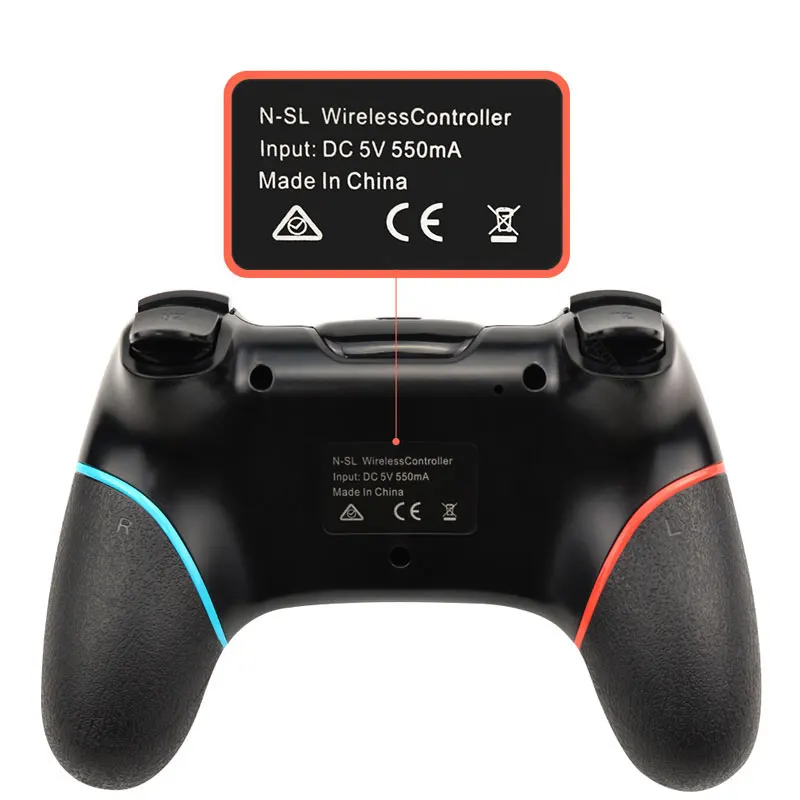
Wireless Bluetooth Gamepad For Nintendo Switch Pro NS-Switch Pro Game joystick Controller For Switch Console with 6-Axis Handle
$38.14

Connection to Nintend Switch:
1. Power on Switch Console first.
2. In the menu page of Switch Console, press "Controllers"→"Change Grip/order" →enter the Console pair interface "Press L + R on the controller".
3. Long press "Y + HOME" Buttons up to 5 seconds, and 4 buttons of HOME will flash quickly and circularly. When one of four LED light frash long time,it means that the controller is paired successfully with Switch Console.




No Video
We Shipping
WorldWide
WorldWide
100% Money Back
Guarantee
Guarantee
100% Secured
Payment
Payment
14-Day Return
Policy
Policy


